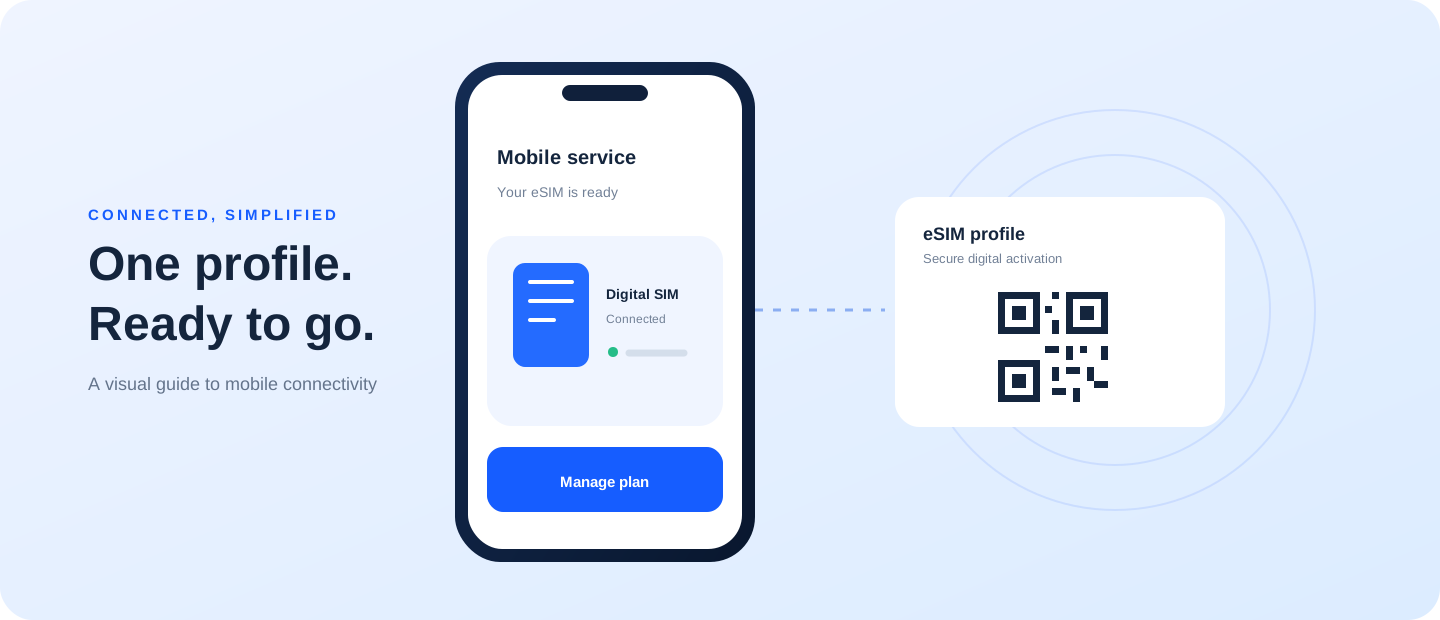
Switching from a physical SIM to an eSIM, or back again, usually requires the operator to reissue your subscriber profile. This guide focuses on “convert physical sim to esim” and the checks that matter before you make a decision.
A focused answer for this search
After the carrier confirms the conversion, install the new profile while the current line is available. Verify calls, texts, and mobile data before removing the physical SIM. If the number is used for account recovery, keep another recovery method ready during the change.
Ask the operator first
Use the official app, website, store, or verified support channel. Ask what identity verification, fees, and in-person or remote options currently apply to your number. The operator can confirm whether the plan and device qualify and explain when the old SIM will stop working.
Prepare your phone and account
Keep the current line active until the replacement is ready. Check the exact model, software, network lock, and Wi-Fi access. Save account recovery details and any important confirmation codes. If you need the number for banking or two-factor authentication, plan the change for a time when you can test the service.
Finish and verify
Follow the latest carrier instructions, install the new profile or SIM, then test a call, message, and mobile data. Keep the transaction reference until everything works. Ask whether a new QR code is needed after a phone upgrade or reset; never assume an old code can be reused.
Avoid a service gap
Do not delete an active eSIM to start again unless support confirms that it can be downloaded again. Fees and remote eligibility can change, so verify them with the operator. For a conversion back to a physical SIM, wait for confirmation before discarding the old card or ending the support session.