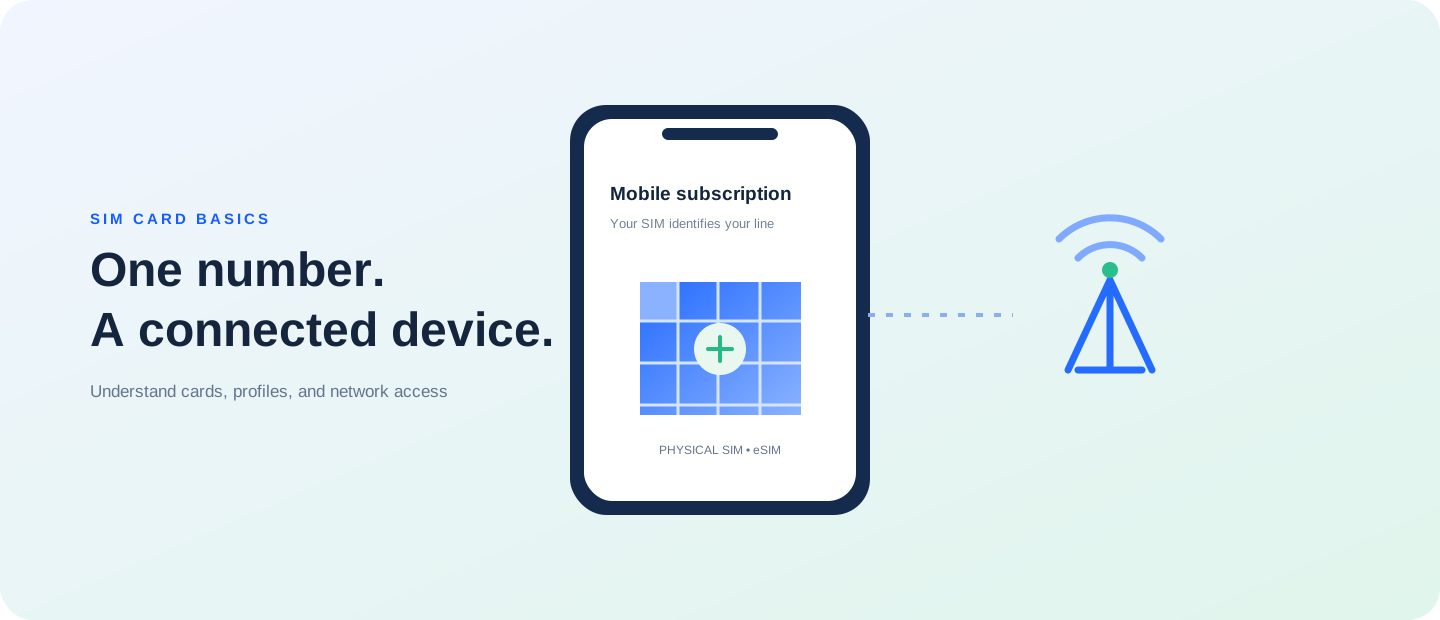
A practical checklist for obtaining and registering a physical SIM through an authorized mobile provider. This guide focuses on “how to register a physical SIM” and the checks that matter before you make a decision.
Topic-specific guide
Registration requirements depend on the country, carrier, and account type. Start at the operator’s official app, store, or authorized seller, and ask which identity details are required for your line. Check the number and plan before leaving, keep the receipt, and ask how to report a lost SIM. Avoid submitting personal information to unverified sellers or public forms.
SIM formats and account identity
A SIM card identifies a mobile subscription to the carrier; the phone and network still determine what services can be used. Physical cards come in different tray and size configurations, while eSIM profiles are provisioned digitally. Before buying or switching, match the exact device variant with the carrier’s supported format and plan.
Compatibility and everyday use
Two phones with similar retail names can use different SIM trays or radio bands across regions. Check the full model code, unlocked status, tray arrangement, and which line is selected for calls, messages, and data. If you use two numbers, test both lines and understand which one carries data before relying on them while travelling.
Registration and safe handling
Use a carrier or authorized retailer for registration and account changes. Requirements, fees, and transfer steps depend on the provider and can change. Keep SIM cards, QR codes, and account verification details private; save the receipt and support contact. If a SIM is lost, ask the carrier to secure the number promptly.