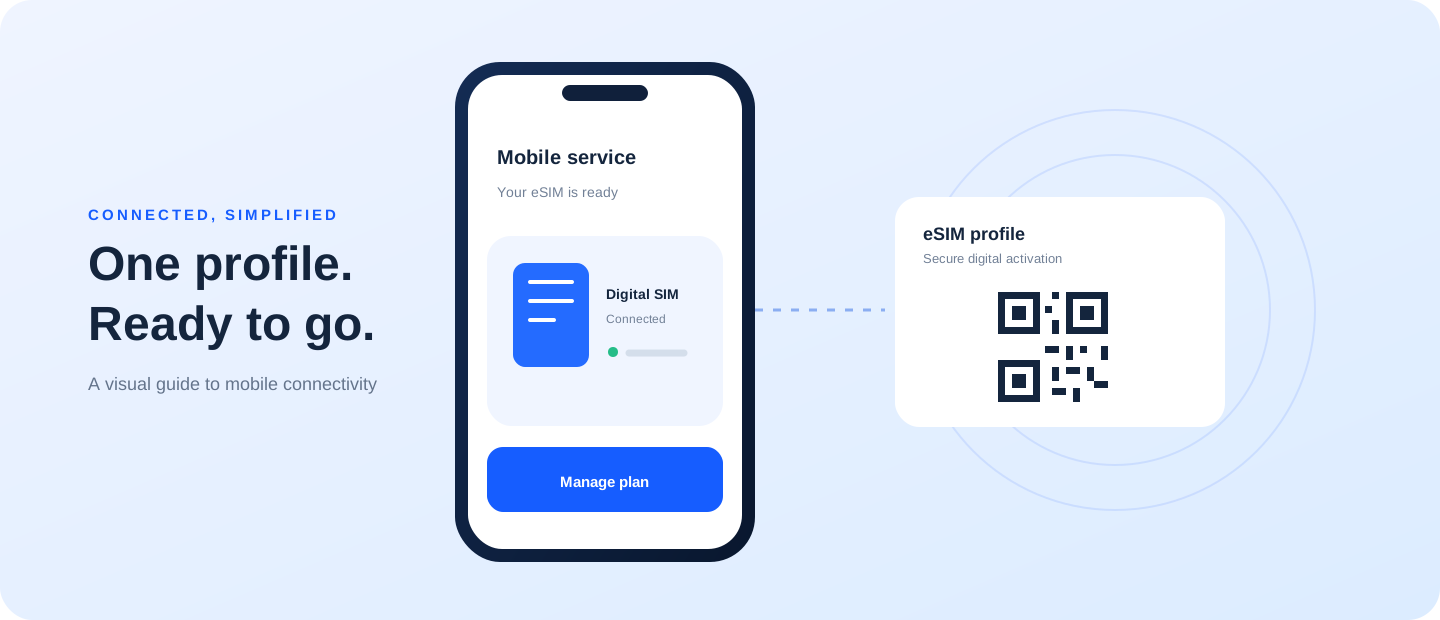
A reliable eSIM activation starts with a compatible device, the correct plan, and a stable internet connection. This guide focuses on “how to activate esim” and the checks that matter before you make a decision.
A focused answer for this search
Most activation flows require an eligible phone, provider-issued details, and internet access. Add the plan in cellular settings or use the provider app, then label the line and select the intended data SIM. Follow the carrier instructions if the activation screen differs.
Prepare before setup
Read the provider’s current instructions. Confirm the model and software, connect to Wi-Fi, and make sure you can open the account or email that received the activation details. Some QR codes are single-use or tied to one device. Do not share a code or repeatedly scan it without checking the provider’s rules.
Install the profile
Open cellular or mobile-network settings and choose the option to add a mobile plan or eSIM. Follow the prompts and give the new line a clear label. Menu names differ between manufacturers and software versions, so consult the official help page for the exact model if the instructions do not match what you see.
Choose line settings
After the profile appears, decide which line handles mobile data, calls, and messages. If a physical SIM is also active, review the defaults and data-roaming settings. The phone can usually be connected to Wi-Fi during installation; registering with the mobile network may take a little longer.
If activation fails
Check that the QR code belongs to the selected plan and device, that the phone is unlocked where required, and that the provider has released the profile. A restart may help, but deleting an installed eSIM can make recovery harder. Contact the provider before removing it or requesting another code.